What is an AI agent?
An AI agent is an AI system that works toward a user-defined goal by gathering information, planning steps, using tools, and moving a task forward.
It is not only a system that answers questions. A practical agent can decide what information is needed, choose the next step, call a search tool, read a file, query a database, draft an email, create a ticket, or ask a person for approval when the action is sensitive.
Google Cloud describes AI agents as software systems that use AI to pursue goals and complete tasks on behalf of users, with reasoning, planning, memory, and a degree of autonomy. That framing is useful, but enterprise adoption still requires boundaries.
For example, a sales manager might ask an agent to prepare for next week's customer meeting. A basic chat AI can summarize pasted notes. An AI agent, within approved permissions, could review CRM notes, check open tasks, identify recent customer issues, and draft an agenda for human review.
That does not mean the agent should be allowed to do everything. In a company, the useful design question is what data it can access, what tools it can use, which actions require approval, what logs are kept, and how the output is evaluated.
A good working definition is this: an AI agent combines a goal, data, tools, permissions, guardrails, and human review to support a specific business workflow.
How AI agents differ from chatbots, RAG, and automation tools
AI agents are often confused with chatbots, RAG systems, and automation tools. The difference is not that one category replaces the others. In many real systems, an agent uses all three.
A chatbot is mainly a conversational interface. It answers questions, follows a scripted flow, or routes a user to the next step. This is useful for FAQ and first-line support, but it does not automatically complete multi-step work across tools.
RAG retrieves relevant documents or records and uses them to ground an answer. It is useful for policy lookup, internal knowledge search, and document-based answers. RAG itself is still primarily a search-and-answer pattern.
Automation tools run predefined steps. They are strong when the rule is clear: when a form is submitted, send a notification; when an email arrives, add a row to a spreadsheet. They are less flexible when the next step depends on context.
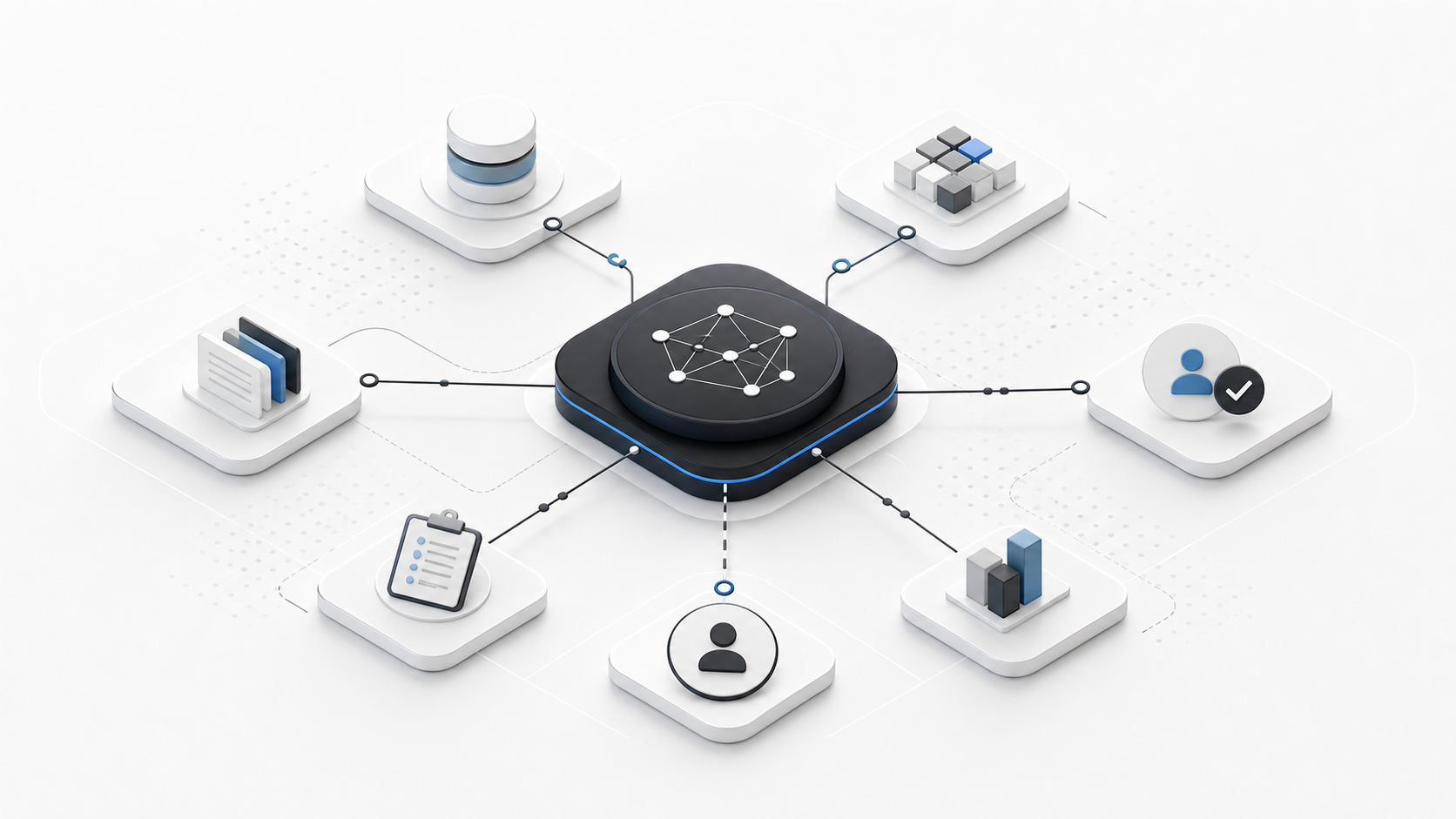
An AI agent connects these elements. It may accept a request through chat, retrieve information through RAG, execute approved actions through APIs or automation tools, and pause for human approval when needed.
| Type | Main role | Best suited for |
|---|---|---|
| Chatbot | Answer questions or guide a conversation | FAQ, first-line inquiry handling, simple routing |
| RAG | Search trusted sources and answer with context | Policy lookup, internal knowledge search, document reference |
| Automation tool | Execute predefined steps | Notifications, handoffs, data entry, system integration |
| AI agent | Use judgment and tools to advance a goal | Multi-step workflow support, research, drafting, controlled operations |
Basic components of an AI agent
The center of an AI agent is usually an LLM. The model interprets the request and helps decide what should happen next. But a model alone is not a business agent.
The OpenAI Agents SDK documentation frames agents as LLMs configured with instructions, tools, handoffs, guardrails, and structured output. That is closer to how companies should think about agents: not as a prompt, but as a controlled system.
For enterprise use, the most important design choices are tools and permissions. Tools let the agent enter the workflow. Permissions decide how far it can go.
As the agent gains access to files, databases, email, CRM, spreadsheets, ticketing systems, or code repositories, the risk also increases. That is why approval rules, logs, and evaluation data are part of the product, not an afterthought.
| Element | Question to answer |
|---|---|
| Goal | What specific business outcome should the agent support? |
| Instructions | What policy, tone, constraints, and escalation rules guide its behavior? |
| Data | Which documents, databases, files, and logs can it reference? |
| Tools | Which search, API, email, CRM, spreadsheet, or code tools can it use? |
| Permissions | What can it view, draft, create, update, or never touch? |
| Human review | Where does approval, review, or handoff happen? |
| Logs | What actions and sources are recorded for later inspection? |
| Evaluation | How will quality, risk, and business value be measured? |
Why AI agents are getting attention now
AI agents are getting attention because companies are moving from one-off AI assistance toward workflow support.
Early generative AI adoption focused on writing, summarization, translation, brainstorming, and coding assistance. Those uses are valuable, but they often leave the human to connect the output back into the business process.
The harder enterprise problem is the flow of work. In customer support, a useful system may need to check policies, customer context, past replies, escalation rules, and response history. In sales, it may need to connect CRM notes, proposals, open tasks, and next actions. In back office work, it may need to compare a request against a policy and prepare a review trail.
OpenAI's discussion of new tools for building agents points to this shift: web search, file search, computer use, and an Agents SDK are pieces for systems that do more than chat.
At the same time, Anthropic's guidance on building effective agents distinguishes predictable workflows from more dynamic agents. That distinction matters in companies because the simplest reliable workflow is often better than a fully autonomous system.
In practice, many companies should begin with a semi-autonomous agent or an AI-supported workflow: the AI gathers information, drafts, checks, and recommends, while a person approves sensitive decisions.
Examples of AI agents in companies
AI agents are useful when the scope is clear, the data sources are known, and a person can review the result. They do not need to complete an entire department's work to be valuable.
A good first use case is usually a workflow where the agent prepares information before a human decision or handles low-risk follow-up after a human decision.
| Area | Example |
|---|---|
| Customer support | Draft replies from approved knowledge, show sources, and escalate unclear cases |
| Sales | Review account notes and prepare next-action briefs before a meeting |
| Recruiting | Summarize candidate information against role requirements for interviewer review |
| Back office | Check requests against policy and draft a return-to-sender note |
| Corporate planning | Create research memos from approved market and internal sources |
| Development | Read issues, code, and docs to propose a fix plan |
| Knowledge management | Search internal sources and answer with citations and permission controls |
Where AI agent adoption often fails
AI agent projects often fail when they start with technology selection instead of workflow definition.
Choosing a model, framework, or toolchain matters. But the first decision should be narrower: which workflow, which decision, which data, which permitted actions, and which review point?
A broad theme such as adopting AI agents across operations is too wide. It needs to become a specific support, sales, finance, HR, development, or knowledge workflow.
The second failure point is permission design. If no one has decided what the agent can view, draft, create, update, or send, the system cannot safely enter real work.
The third failure point is missing evaluation. Teams need metrics such as response quality, review time, rework rate, acceptance rate, escalation rate, user adoption, and business impact. Without those measures, the PoC may look impressive but still fail to justify implementation.
The practical question is not only whether an AI agent can be built. The question is whether it will be used, reviewed, measured, and improved inside the workflow.
How Atlas Support thinks about AI agent support
Atlas Support does not treat AI agents as a magic way to automate every business process. We treat them as a bridge between workflow design and technical implementation.
When companies start exploring AI agents, the first themes are often broad: automate inquiry handling, make internal knowledge searchable, improve sales work, support back office operations, or find a practical AI agent use case. These themes are not yet requirements.
The useful work is to narrow the theme, break down the workflow, separate what AI can support from what people must decide, identify data and permissions, and create a small testable version.
Atlas Support's AI Advisory selects one AI theme each month and turns it into research, design notes, lightweight validation, and next actions. Depending on the theme, outputs may include an agent workflow map, prompt and design notes, a simple demo or mockup, a PoC plan, KPI and ROI notes, risk and governance notes, or a management summary.
If you are considering AI agents, Atlas Support's AI Advisory can help turn the idea into a scoped decision rather than a vague PoC. You can also review the use cases page and Insights index to narrow the workflow before contacting us.
The goal is not to build an agent because agents are fashionable. The goal is to create enough evidence to decide whether the workflow should move to PoC, development, redesign, or pause.
Summary
An AI agent is an AI system that works toward a goal by gathering information, making decisions, and using tools.
It is different from a chatbot that mainly answers questions, a RAG system that retrieves knowledge, or an automation tool that follows predefined steps. In practice, useful agents often combine all of these patterns.
For companies, the important work is not only model selection. It is workflow design, data access, permission boundaries, human review, logging, and evaluation.
The safest first step is to choose one business theme, validate it in a limited way, and decide whether the evidence supports deeper implementation.
Next step
Before investing in a larger AI agent implementation, test whether the idea can enter a real workflow. Atlas Support's AI Advisory helps select one AI theme, organize research and design, run lightweight validation, and prepare a PoC plan.
Keep AI agent adoption from stopping at PoC
Start with a scoped workflow, clear permissions, and evidence that the agent can support real work.